Showing posts with label Security. Show all posts

Friday, 14 November 2014

How to Make Money with Tsu

Leave a Comment


Tsu is the newest way to earning money from the internet. It opens a new era of online money making with it’s monetizing platform. Tsu splits up their revenue from every parties after taking their cut of 10 percent. Basically that means you will get some dollars for the content that you shared. This is a pretty good way to earn money from internet. You can monetize your content on any other platforms such as Blogger and YouTube as well as on Tsu. In this post we are going to discuss How to Make Money with Tsu.

How does Tsu work ?


Simply Tsu is a content monetizing platform that you can monetize your own content as well as earn money from your network. This is how it works.

You publish something interesting on Tsu. As you can notice there are advertisements surrounding contents. When people see your post they will spontaneity see those ads too. Ad publishers, sponsors and partners have to pay money for those view and clicks. Tsu collects money from above mentioned parties and share that money with content creator and the network which brought the particular content creator to Tsu.


This is how to make money with Tsu. Content creator will get 50% after Tsu keeps their 10% of the total earnings from that content. The other 50% is shared as “infinite thirds” with the family tree which has created through invitations. When it comes to the tree, 1/3 of any user’s revenue goes to the user who invited previous user to Tsu. This scenario loops until it is 100% of the initial revenue.
Let’s take an example


Think there are four users A, B C and D. User A invites B, who invites user C, who invites user D.

User D share a photo which leads Tsu to earns $100.

Tsu keeps $10 for their effort and shares the rest, $90 with users.

User D, who originally shared the photo will get 50% of that $90, which means $45.

User C, who invited user D will get 33.3% (1/3) of the initial value $90, which means $29.70.

User B, who invited user C will get 11.1% (1/3 of 1/3 = 1/9)of the initial value $90, which means $9.99

User A, who invited user B will get 3.70% (1/3 of 1/3 of 1/3 = 1/27) of the initial value $90, which means $3.33.
How to Make Money with Tsu. What you can do?

The first thing is you need to grow your network. Invite your friends using your shortcode as much as possible. People who join Tsu after you called Children. You will earn money from them according to their activity on the social network.

Always share valuable content. You can use few hashtags to get attention from other users who are not in your friend list.

Follow users who followed you and let the network grow.

As you can post 24 posts daily, post maximum number of posts you can.

How to redeem money on tsu?


You can redeem money you earn as well as share them with your friends, charities or members. The minimum payout is $100 as of today. For sharing funds Tsu will charge 3% of the transfer value as a transaction fee. Under the Bank menu there is a option called redeem. Select that and fill out the form. Before sending you money you own, Tsu will inspect that how did you earn. So, no black money !
Read More

How To Create a Social Network That Makes Money

Leave a Comment


Creating a successful social network is no easy task. Making money from it is arguably even harder. Peter Ward knows this better than most. Ward is co-founder and chief executive officer (CEO) of WAYN (Where Are You Now?) a British-Polish startup and social network for travellers.

WAYN is a veteran in the social media world. It has seen the rise of networks such as Facebook and Snapchat as well as the fall of others such as Myspace and Friendster since its inception in 2002. In that time WAYN has been able to survive and carve out its own niche purpose and following of around 23 million members.

It has not been an easy task. The network had to operate on a shoestring budget for much of its development and a large part of its on-going growth. Initially WAYN raised around $15,000 in seed funding, says Ward. Financing has become a bit easier to come by since then. In 2012 it underwent another round of funding, raising $5.5m – with a large contribution coming from Scottish Equity Partners.

Ward and his co-founders made a big breakthrough in 2005 that led to WAYN’s current success. At the time, the network was struggling to attract new members in a cost-effective way. “We were resorting to giving out fliers on the street,” says Ward. “Google GOOGL -0.33% ad-words worked but were costing more per new member than we would be able to earn from them.”

At the time the site had fewer than 50,000 members. The founders of WAYN discovered that many users were joining but few would take the time to go through the process of manually adding their friends – resulting in a missed opportunity for membership growth and, potentially, a shorter period of activity as users that did not make new connections might drop out.


WAYN created a system where users could automatically send invites to friends in their email address book –a now ubiquitous feature that was virtually non-existent at the time. This led to a massive increase in membership – over one million within six months and continued growth from there, says Ward.

This massive increase got the ball rolling and helped to ensure WAYN’s continued survival. The problem then became one of effectively commercialising the network and its user-base. “The networks that succeed are the ones with a clear commercial mindset,” says Ward. “New startups that try to be social and then make money typically don’t survive beyond a point.”

WAYN had an idea for commercial success. As users connected and discovered new places to visit, WAYN could capitalise through the provision of services such as bookings either directly on the site or through tie-in third-parties. But that doesn’t mean it’s been a straight road.

“At one point we had a Tinder-esque service allowing travellers to meet up,” says Ward. “It kept the lights on and allowed us to continue to grow but it wasn’t the nexus of what we wanted.” The network has subsequently redirected back to its core objective – helping people discover where they should go on holiday through social interaction and travel reviews.

The next step is taking this data and codifying it to offer better options and a more tailored, personalise experience to users. This includes collecting and mapping data on what activities are good in any particular destination, Ward adds.

“We’re making the user experience more targeted and relevant –and that means we get a higher return on every user experience,” he says. “If we can convert users to discover more or make a booking, it means we’ve done a good job in bringing them what they want.”


The number of social media sites continue to rise. There’s no way of knowing what the next big thing is. But by ensuring a social media site has a commercial objective, a niche area of interest and the determination to succeed on a small budget, a startup has a chance to succeed.
Read More

Monday, 9 June 2014

How to protect your android device & computer for windows 7 & 8 & XP

Leave a Comment

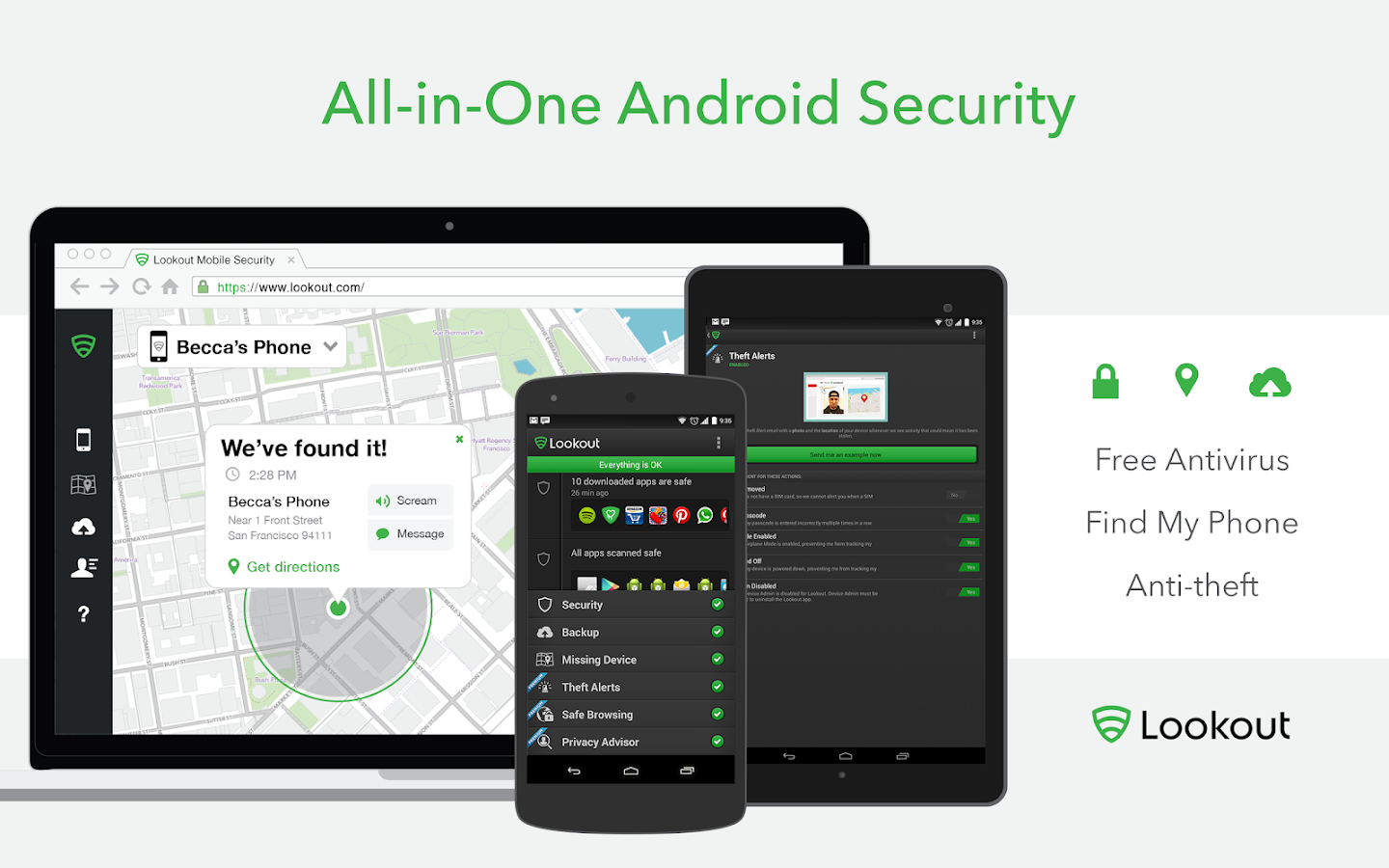
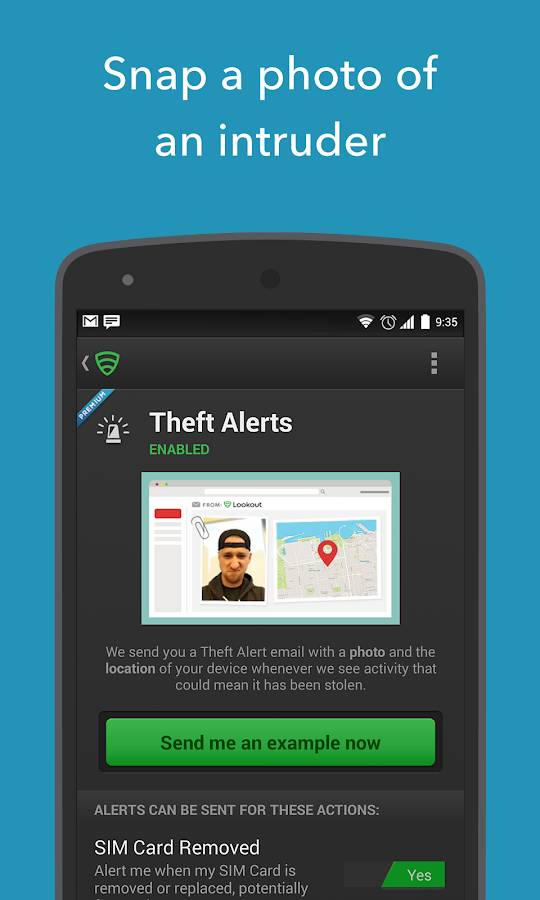
Lookout Security & Antivirus

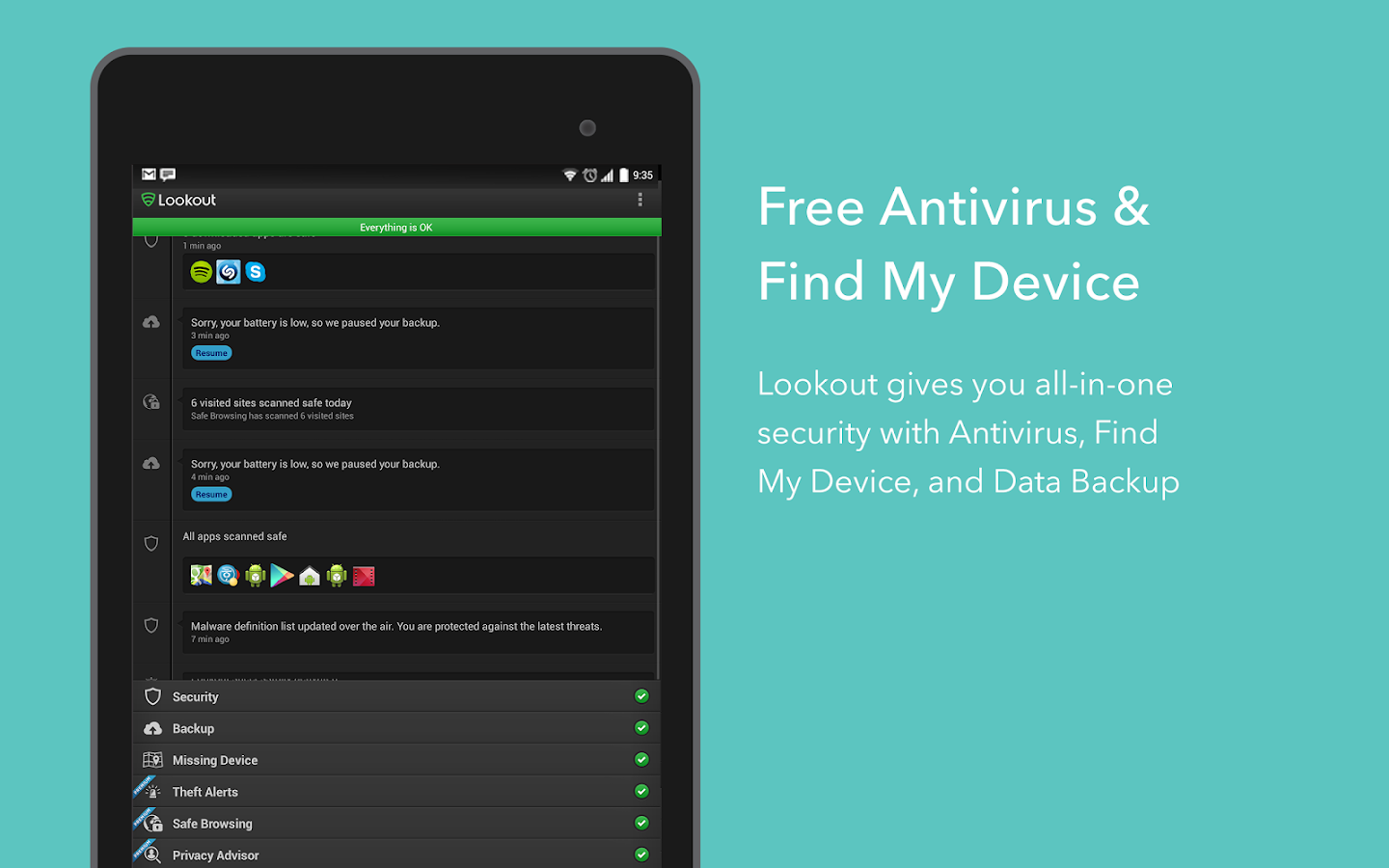
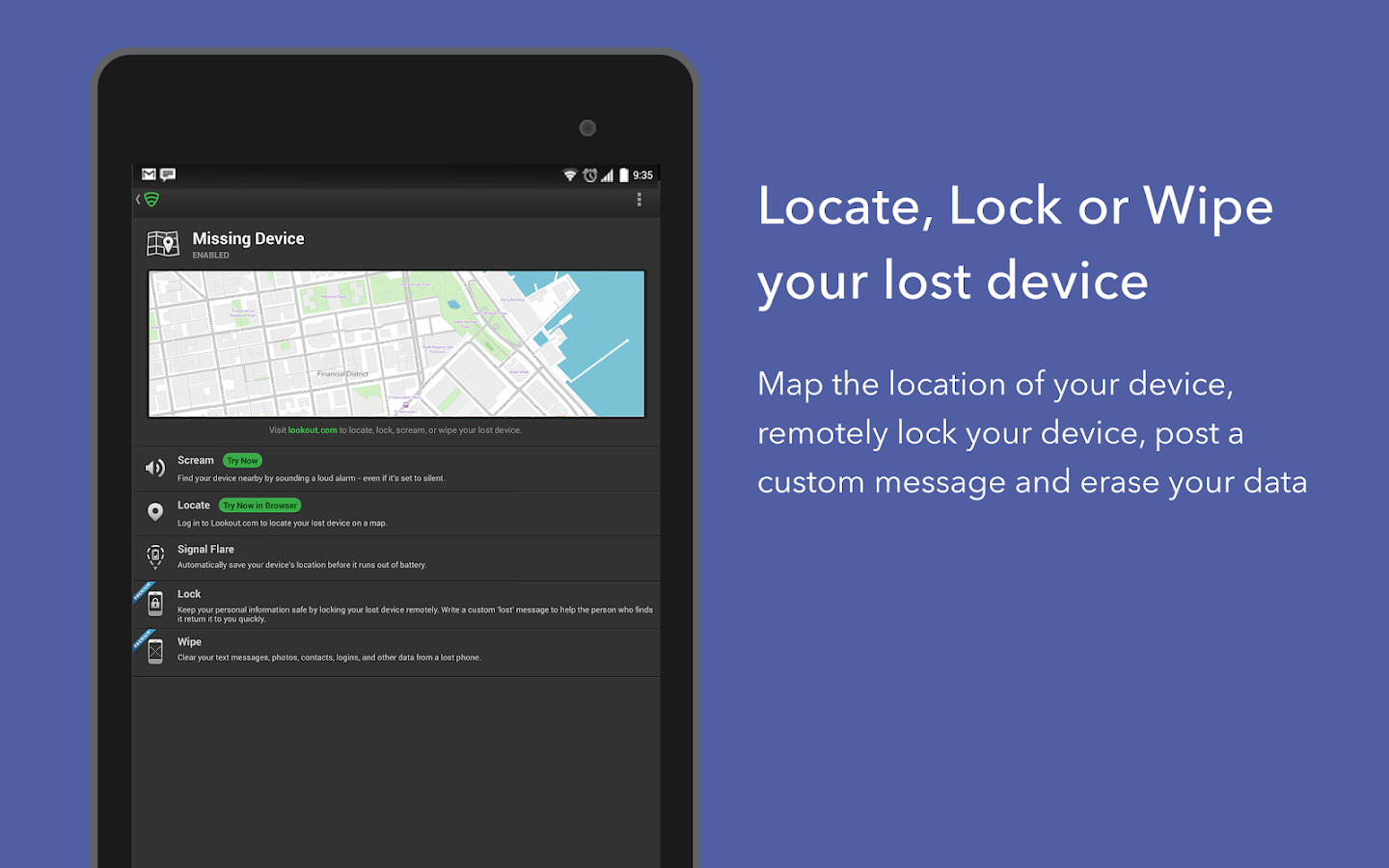
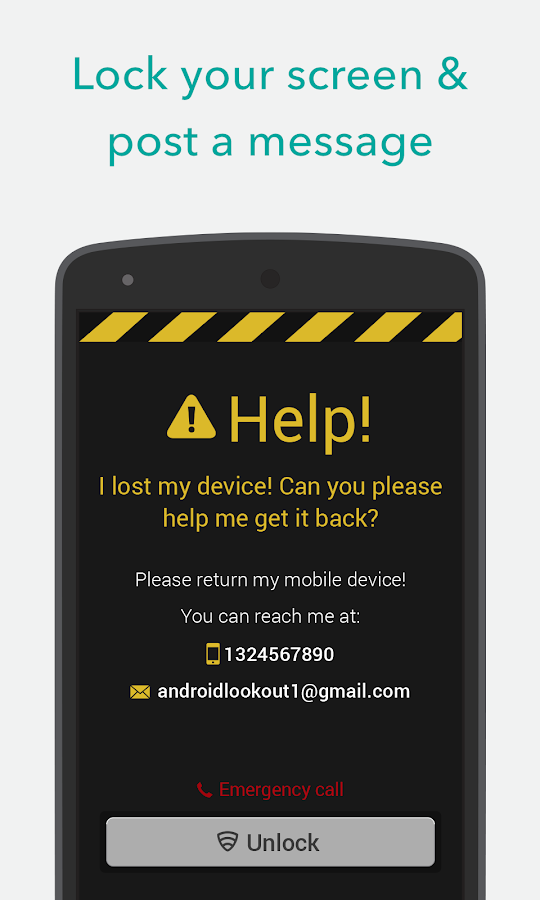
Lookout security & Antivirus application is most important security for android devices.In this application we can findout lost mobile easily.Its can also usefull in laptops and all android devices.we can download to android devices and make security install .If mobile was lost we can find easily.we can find where the mobile now with google map and we have theft alert message also.Its absolutly free. you can lock out the screen form your home & we can send alert message place wher you want to reach the lost mobile.


Description

Lookout Security & Antivirus offers top-notch protection against mobile threats, phone loss and theft.

With your registered email, you will be able to log into Lookout.com to locate your phone, view your backed up data and manage your devices, anytime, anywhere.

Any questions? Checkout: https://faq.lookout.com

We want to make sure all Lookout users have the best mobile experience.

More than 50 million customers trust Lookout:
☆ “Best app EVER! Found my lost phone using Lookout!”
☆ “Best Anti Virus for Android phones!”
☆ “Security, back-up and locator all in one. Love it!”

DOWNLOAD


Avast antivirus


Avast Free Antivirus 2014 continues our legacy. The entire avast! 2014 family includes a DynaGen-powered intelligent antivirus that streams micro-updates to your computer in real time, to catch new malware faster. Plus, you can fix current problems instantly, without uninstalling a previous antivirus. And it even has high-tech options like Remote Assistance.

What's new in this version:

Stream Filtering -- Fixed stability and compatibility issues, it's running smooth and fast now, so no more browsing problems
Firewall -- The firewall should be more stable and with better compatibility with other network applications
Android protection - We can protect (if you wish) your Android phones and tablets with avast! Free Mobile Security (through your active Google Account) automatically (during the installation or update)

Download

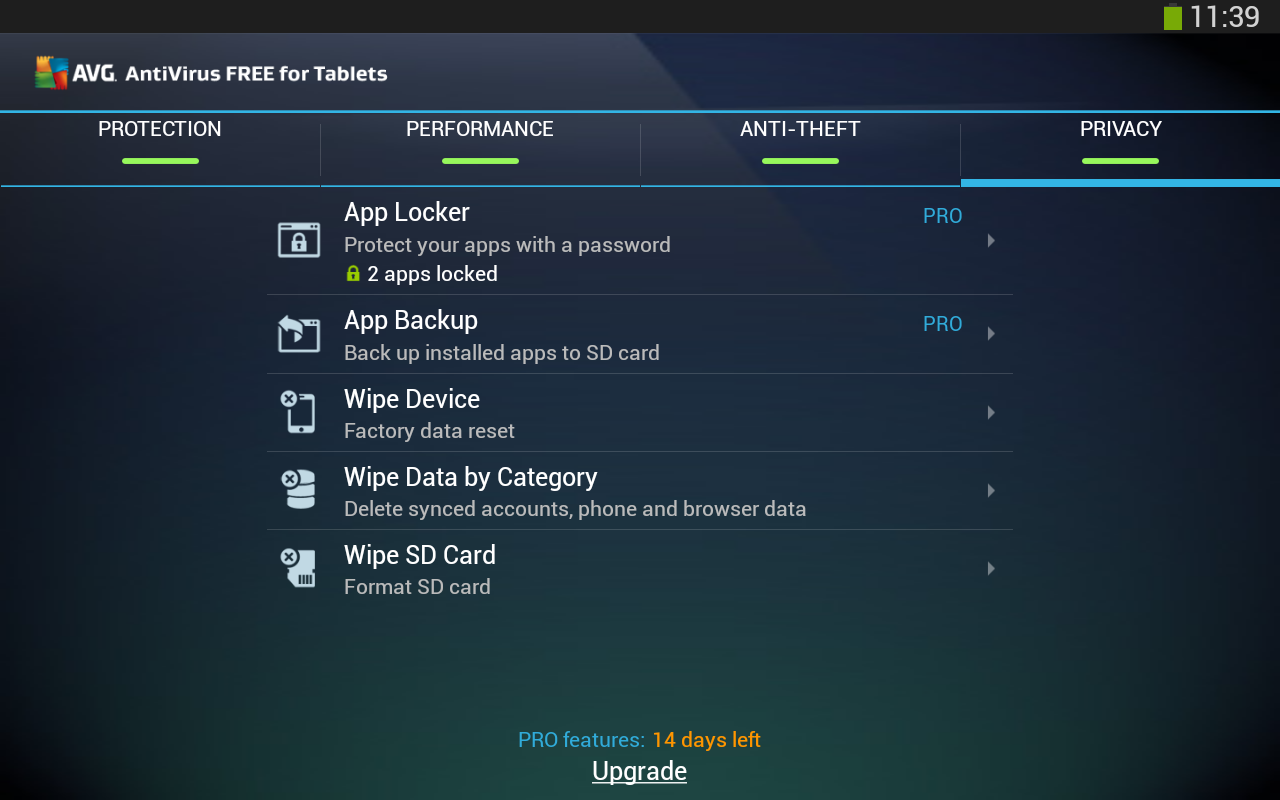
Tablet AntiVirus Security FREE


Description:

Free real-time antivirus protection for your Tablet.
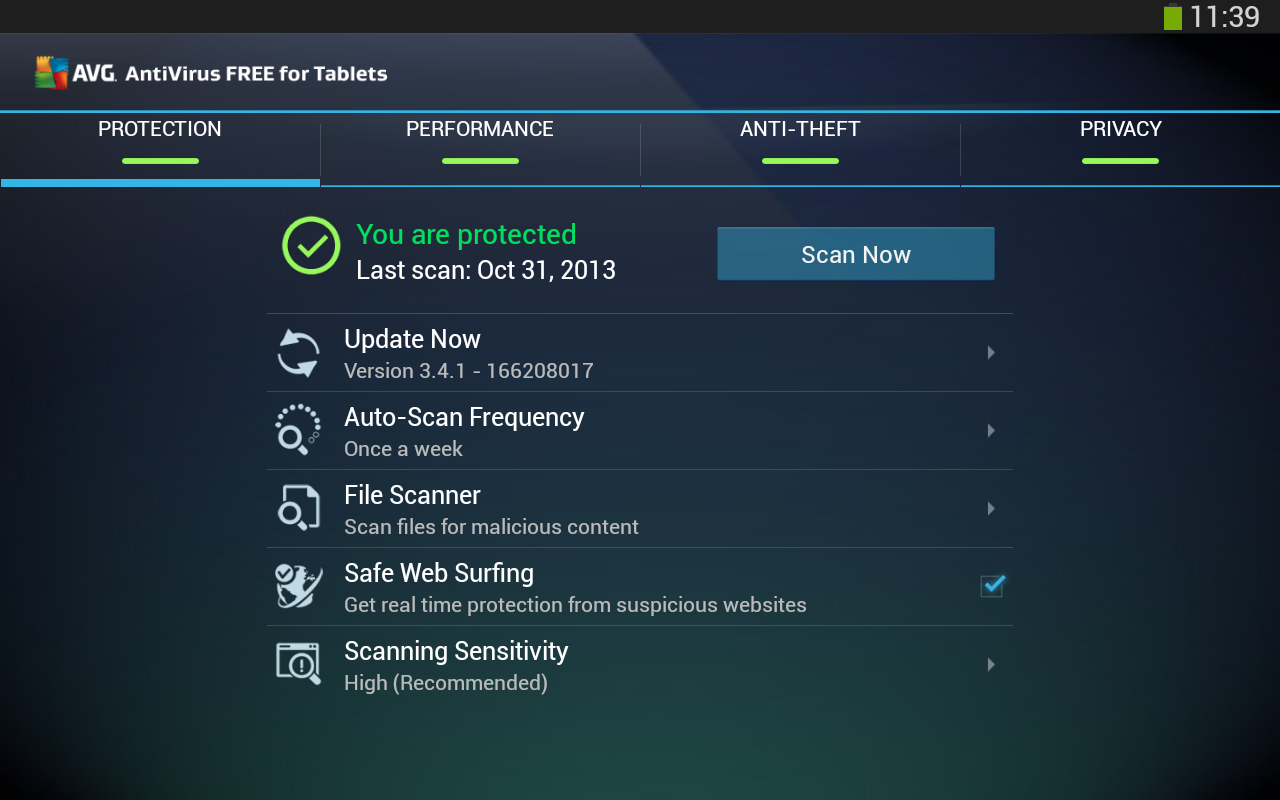
AVG’s Tablet security app for Android™ protects you from harmful viruses, malware, spyware and text messages (for SIM supported devices) and helps keep your personal data safe.
Download Free Now!

Over 100,000,000 people already installed AVG’s mobile apps. Join them now and:
► Scan apps, settings, files, and media in real time
► Browse the Web safely and securely
► Detect apps that use intrusive ads and PUP (potentially unwanted program)
► Kill tasks that slow your device
► Monitor battery, storage and data package usage (for SIM supported devices)
► Enable finding/locating your lost or stolen tablet via Google Maps™
► Remotely lock/wipe your device to protect your privacy using AVG’s anti-theft console

AVG FREE Tablet Antivirus Security – quick & easy mobile protection! With AVG’s Android app you’ll receive effective, easy-to-use virus and malware protection, as well as a real-time app scanner, anti-theft device locator, task killer and local device wipe to help shield you from threats to your privacy and online identity.

AVG’s FREE Tablet AntiVirus Security also:
► Defends against malicious apps, viruses, malware and spyware
► Identifies unsecure device settings and advises how to fix them
► Helps ensure contacts, bookmarks and text messages (for SIM supported devices) are safe
► Checks media files for malicious software and security threats
► Guards you from phishing attacks
► Can be scheduled to run daily, weekly, or on demand.

DOWNLOAD

Free Antivirus 2014 + Security


Description:

Rinix Free ANTIVIRUS 2014 + FREE Security protects millions of Android mobiles from Viruses, Spyware, Spam, Intrusion and Device-Theft.

*FREE! *NO ADS *Auto Scan *SD Card Scan *Apps Scan *Lightweight *Fastest Virus Scanner

FREE ANTIVIRUS
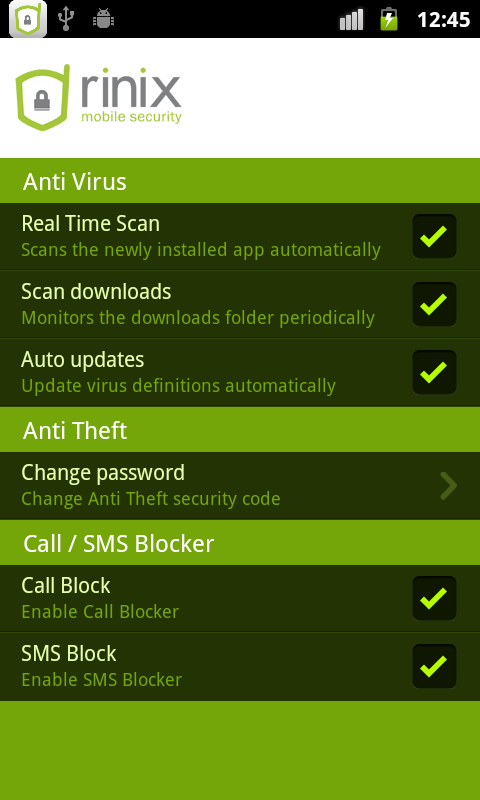
* Real Time Protection – Automatically Scans downloaded apps
* Fastest Scanner – Detects threats before they are installed into your machine in lightening speed
* Never slows down your mobile – Monitors your mobile for threats as a light weight process
* Heuristic detection of zero day threats – Embedded with Advanced heuristic threat detection technology
* Less memory space – Consumes less memory space as we use our FireSky technology to push detection updates
* No 3rd Party Ads – We only promote the premium version of Rinix Mobile Security to offer more protection to our customers.
* Portable for All mobiles – Offers protection for all the Android mobiles

ANTI-THEFT PROTECTION
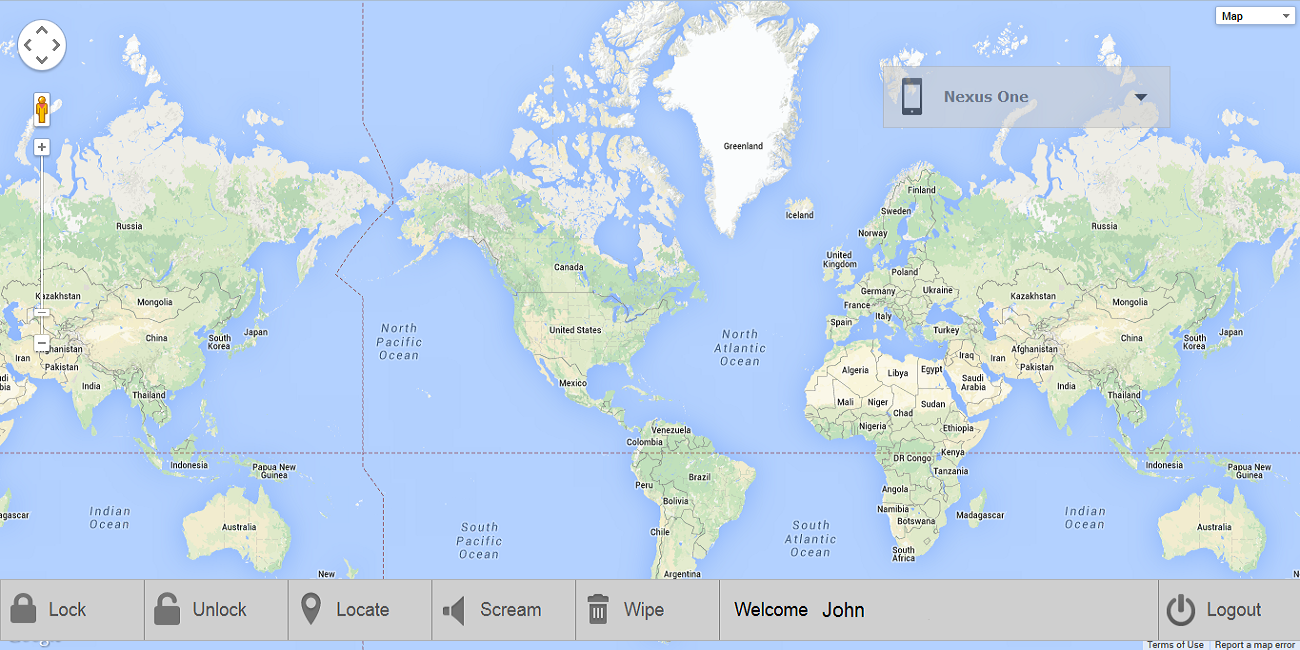
Track your Android smart phone remotely via our website control (go to: http://find.rinixmobilesecurity.com)
• Remotely LOCK your stolen mobile to block access to your private data
• Remotely WIPE your phone – to protect your sensitive personal information
• Remotely LOCATE your lost phone on a map with GPS tracker
• Trigger SCREAM to find your mobile even in it's silent mode
• Control your Android even if SIM card has been changed

CALL & SMS BLOCKER
Rinix provides Android users the ability to block SMS and call from spammers.
• Block unwanted calls and texts messages
• Separate contacts list for SMS and call blocking
• History list of Call/SMS blocked
• Protect your android device& pc's.

DOWNLOAD


Read More